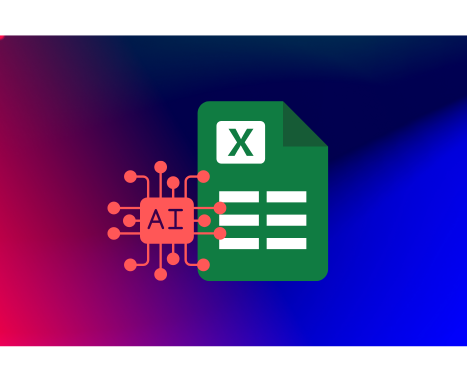
This course provides a complete introduction to Microsoft Excel, starting with basic navigation, data saving, and formatting techniques. It covers essential Excel functions and basic lookup functions to create smart calculations, along with skills for sorting, filtering, and organizing data through tables and pivot charts. Students also learn to visualize data effectively using various chart types and trendlines. The course briefly introduces automation through simple VBA macros and highlights the use of AI tools to explain formulas, generate reports, and clean data quickly. Overall, it prepares learners to work more efficiently and make better data-driven decisions with Excel.
Category:
Enrollments
Level
Time to Complete:
Lessons:
Certificate:
Yes
This course provides a complete introduction to Microsoft Excel, starting with basic navigation, data saving, and formatting techniques. It covers essential Excel functions and basic lookup functions to create smart calculations, along with skills for sorting, filtering, and organizing data through tables and pivot charts. Students also learn to visualize data effectively using various chart types and trendlines. The course briefly introduces automation through simple VBA macros and highlights the use of AI tools to explain formulas, generate reports, and clean data quickly. Overall, it prepares learners to work more efficiently and make better data-driven decisions with Excel.
(Average)
Want to receive push notifications for all major on-site activities?